
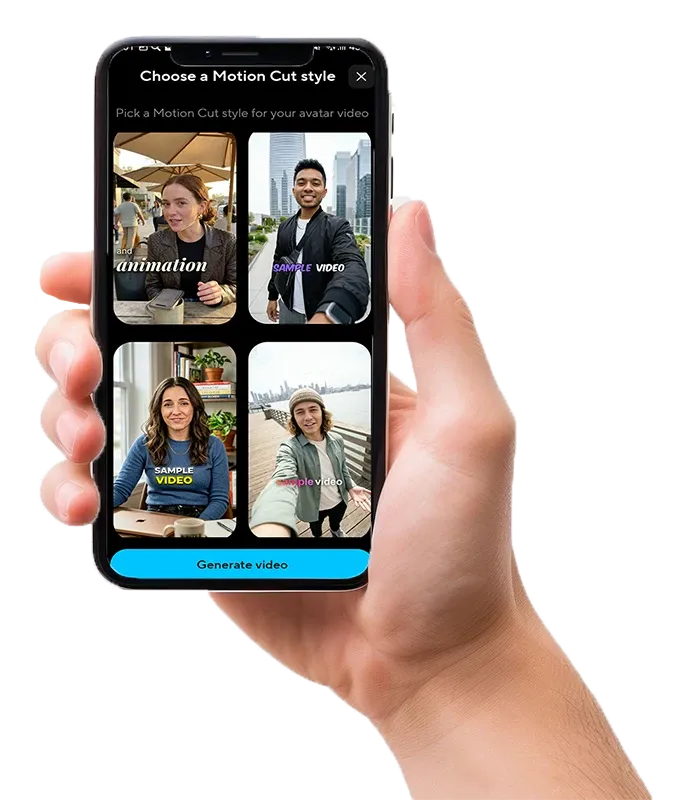

Create videos from text, photos, videos, PDFs, presentations, and scripts. Lumitate helps you produce talking avatars, subtitles, voiceovers, translations, and short clips for learning, marketing, presentations, and social media.
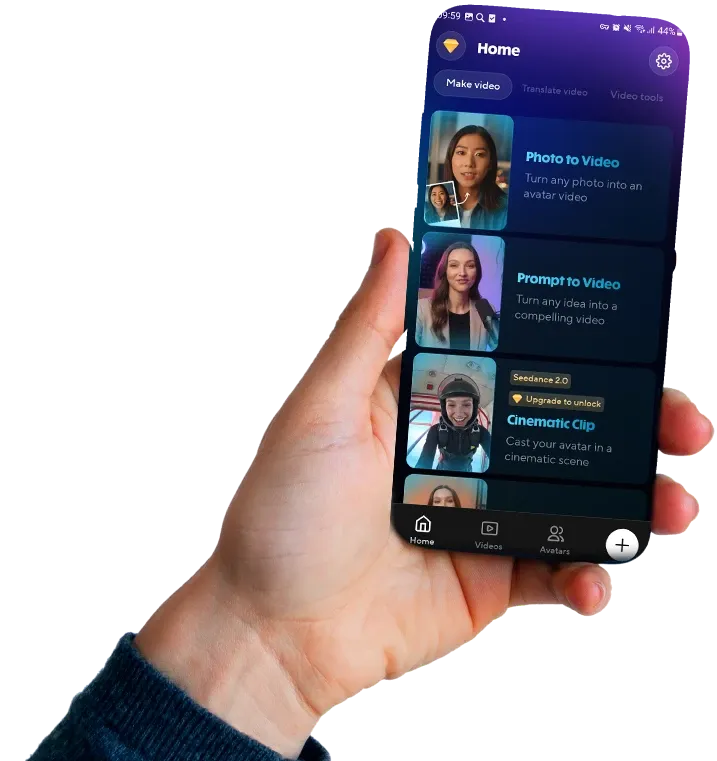
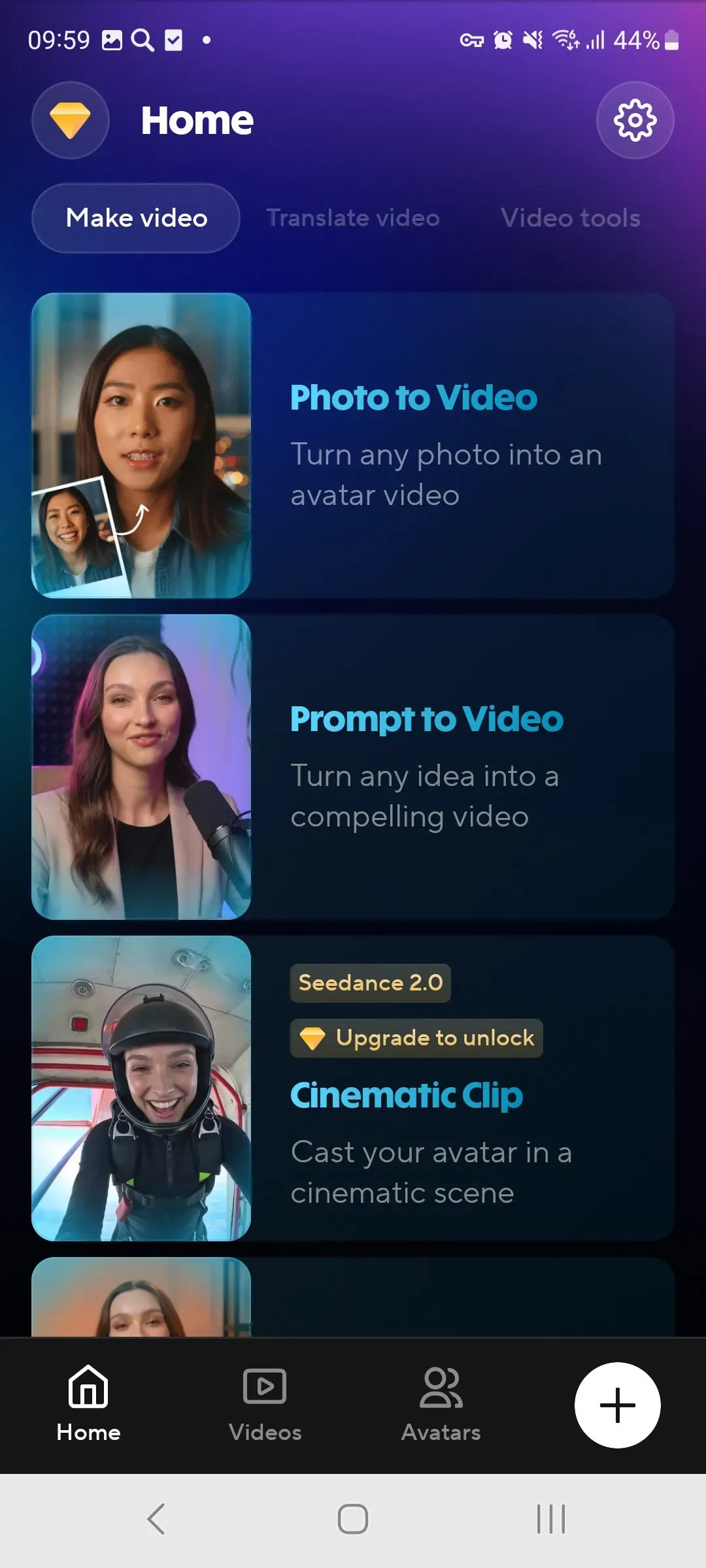
Lumitate brings video generation, AI avatars, video translation, subtitles, voiceover, and text-based editing into one mobile workspace.

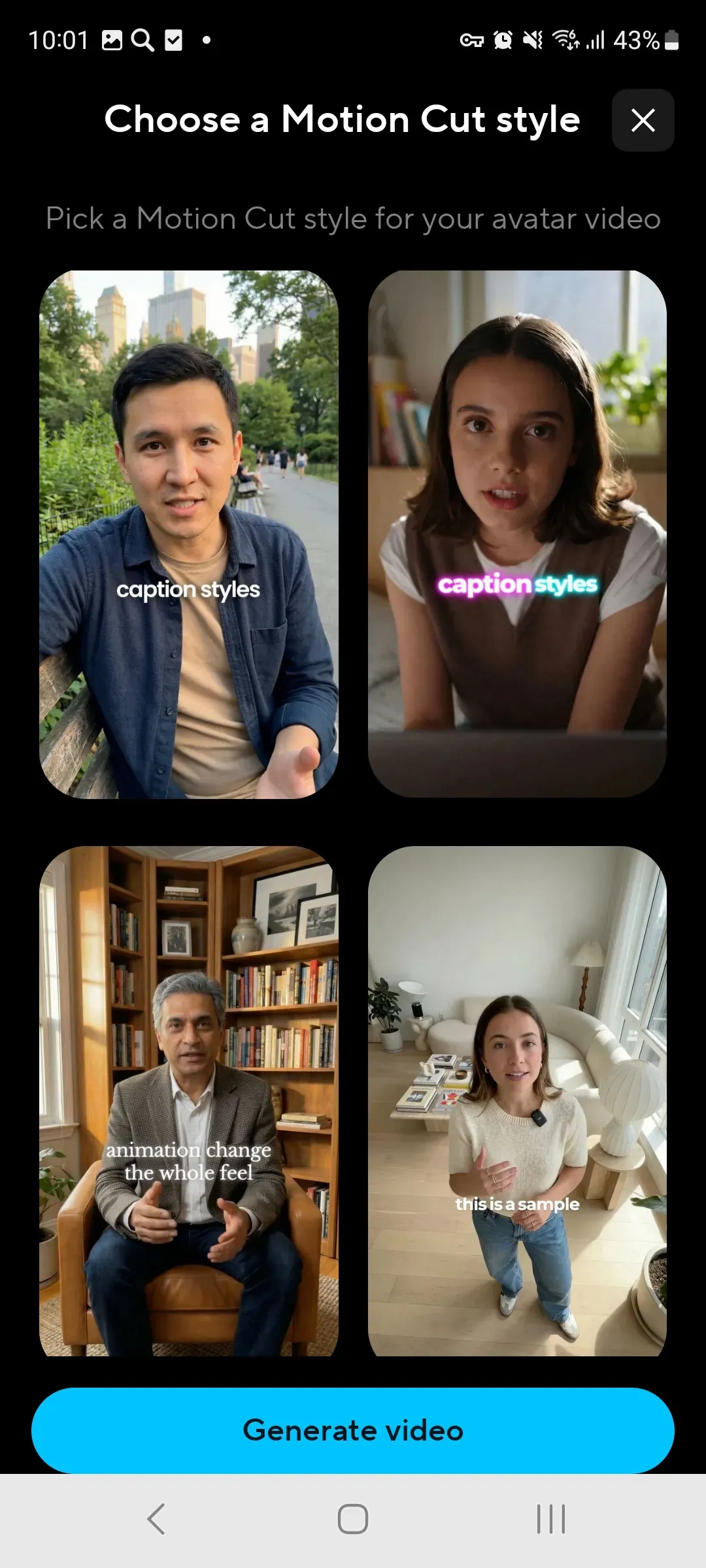
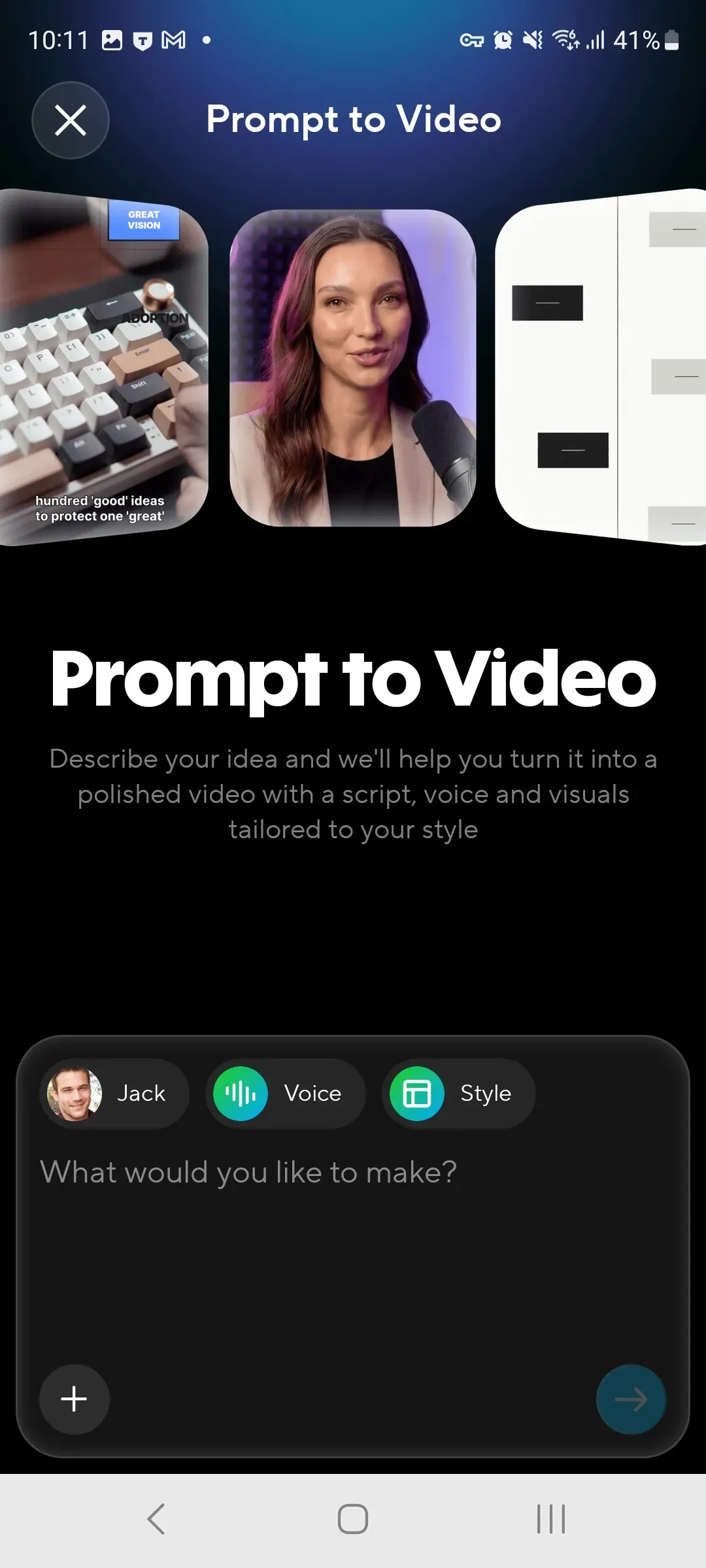
Enter an idea, brief, or script, and the app will help build the scenes, pacing, captions, extra shots, and structure for your future video.
Learn More
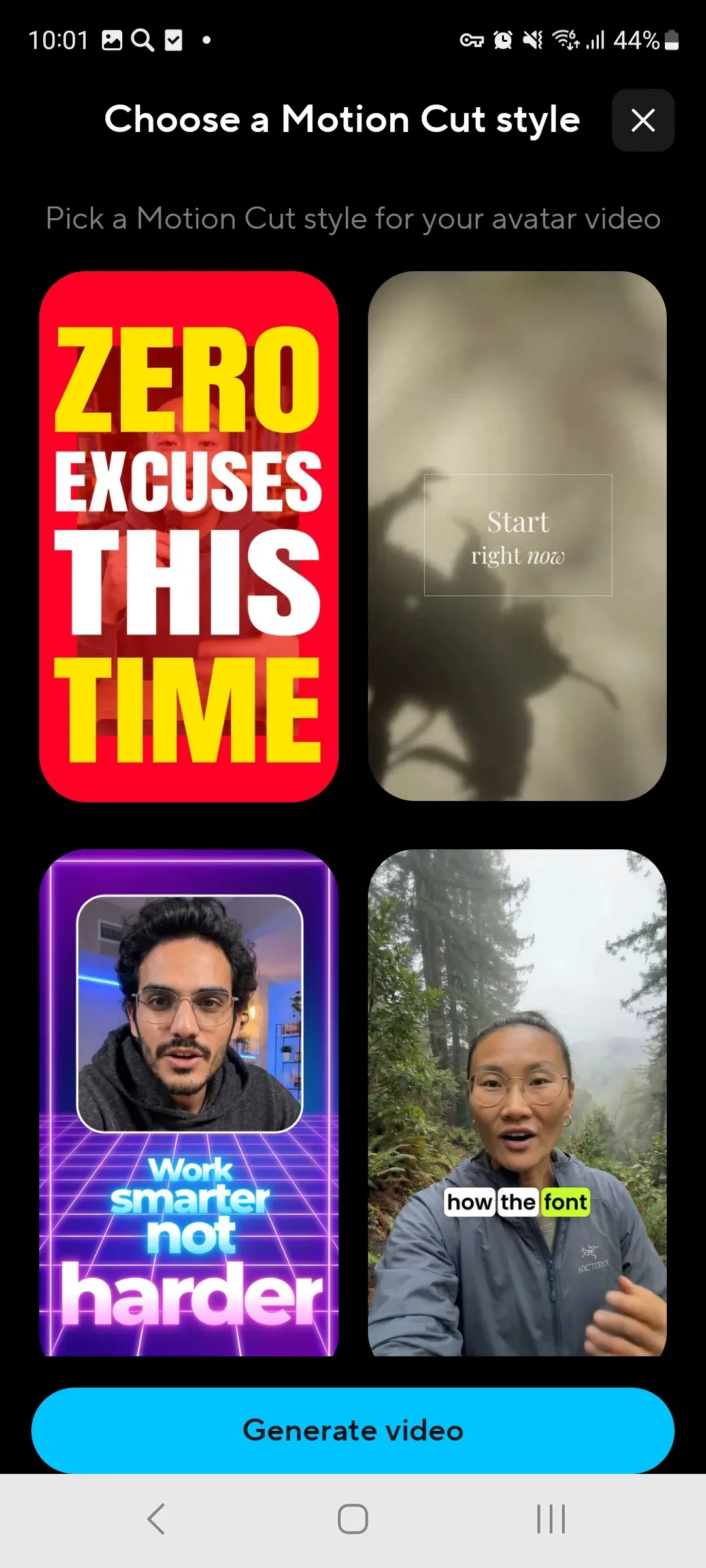
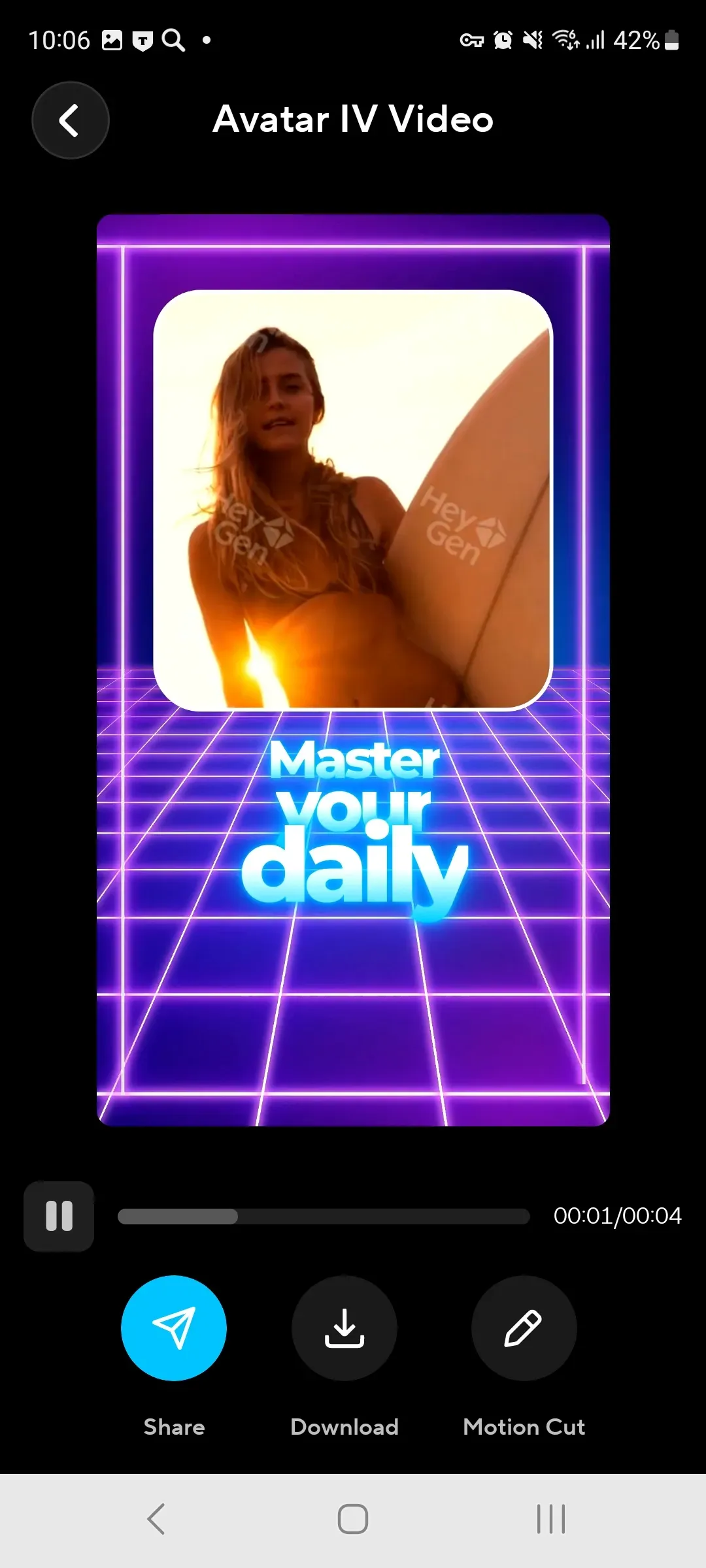
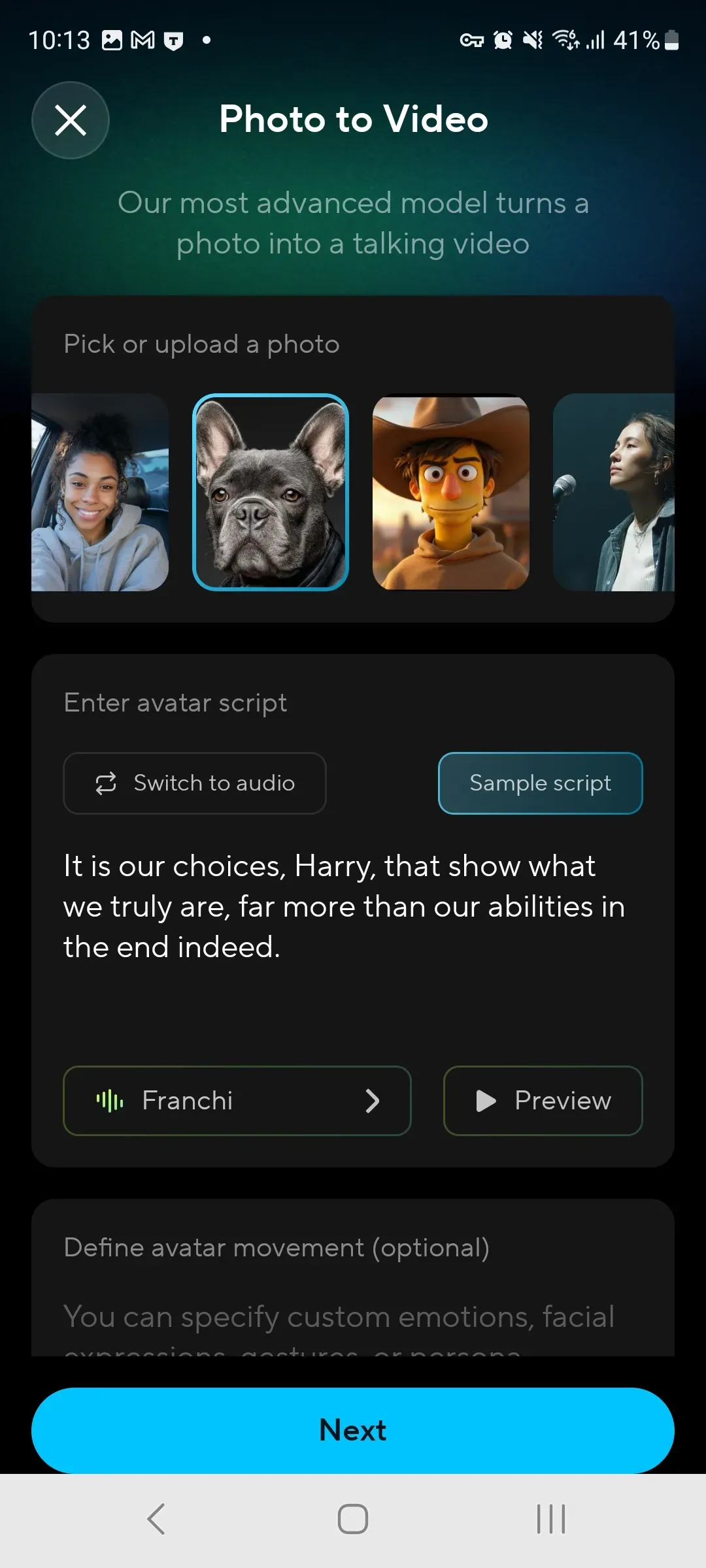
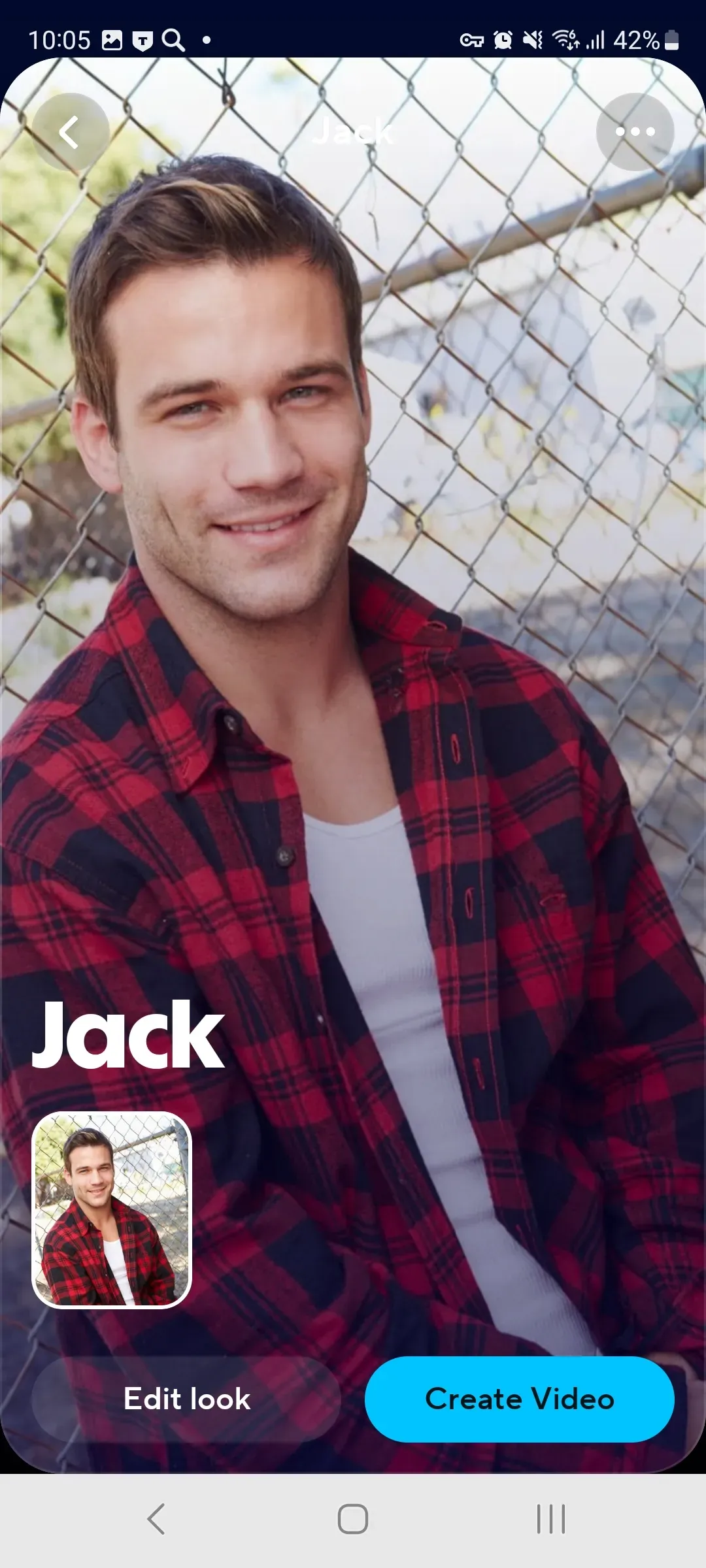
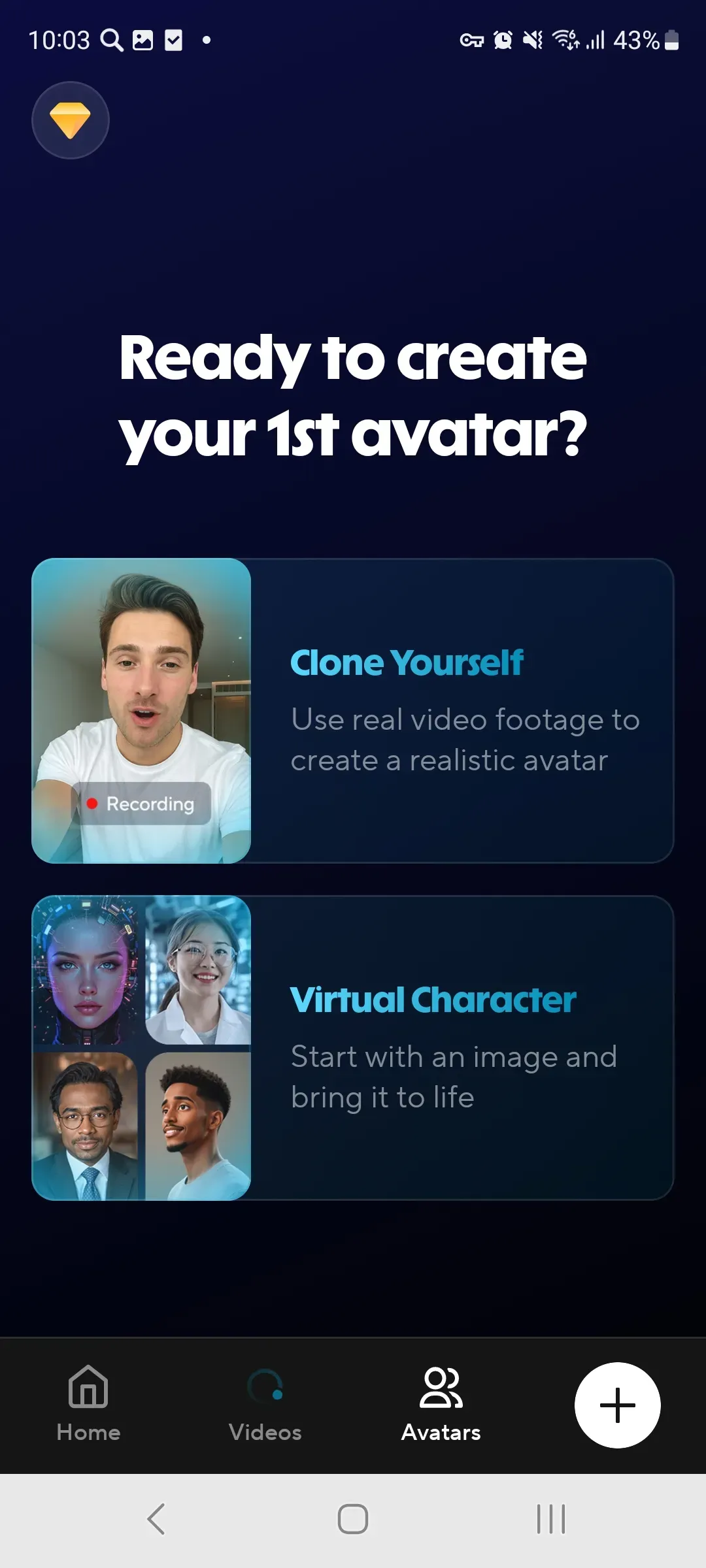
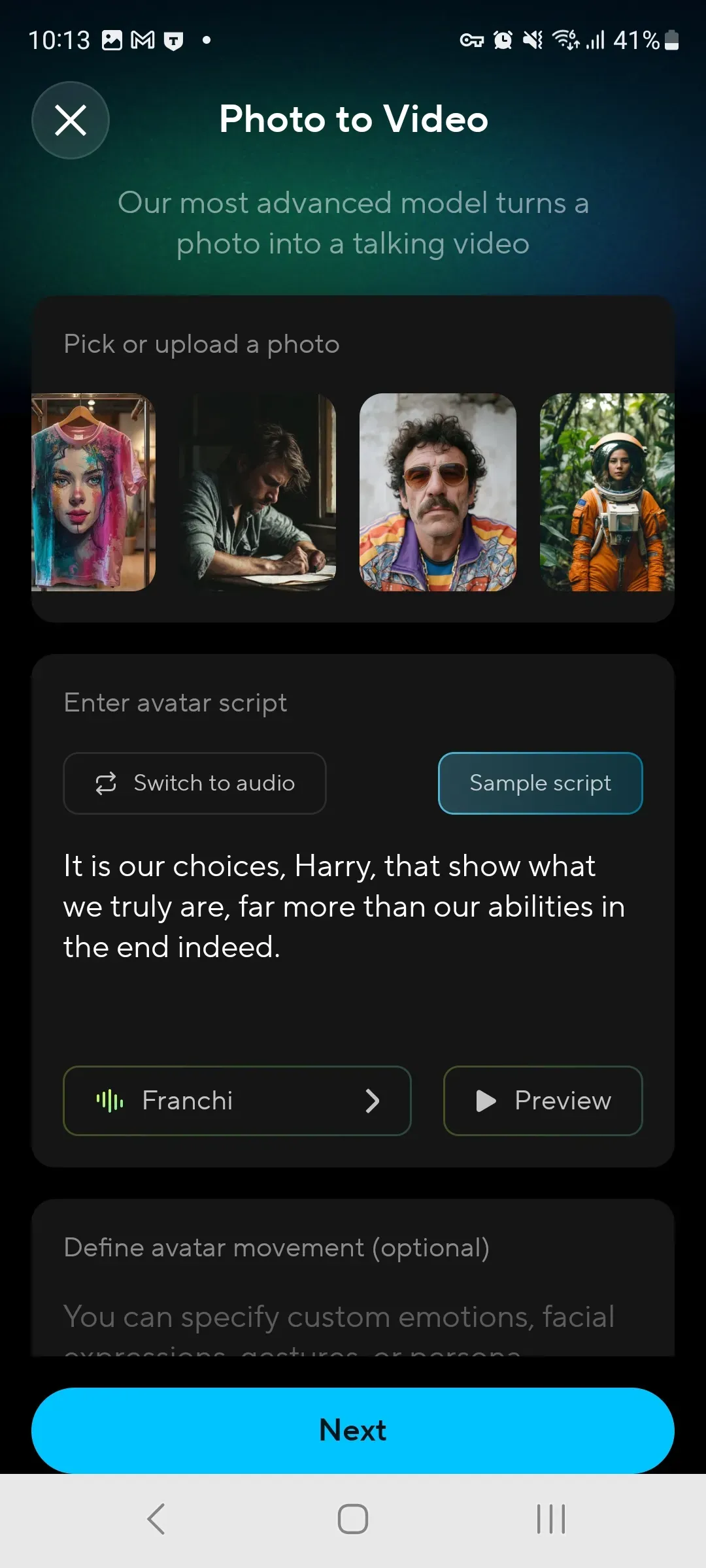
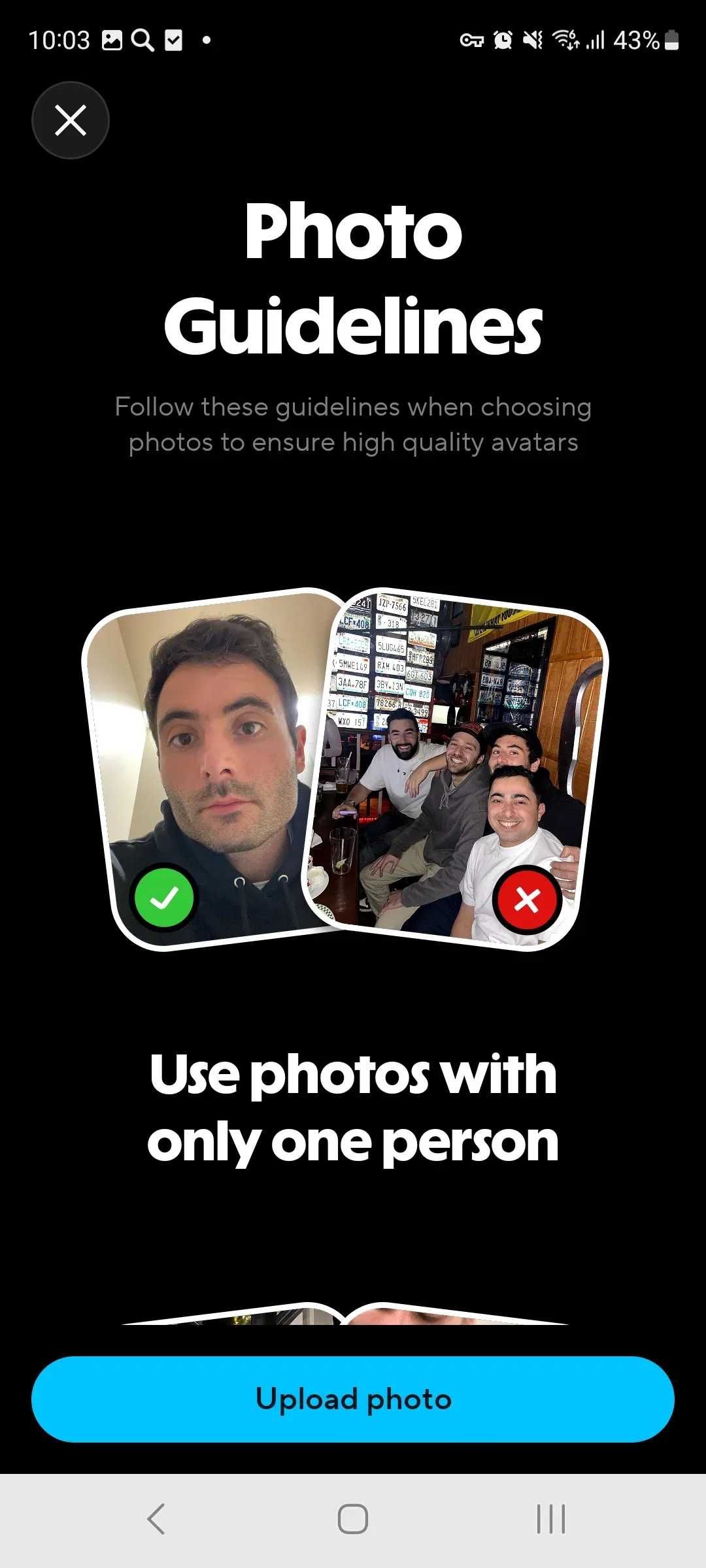
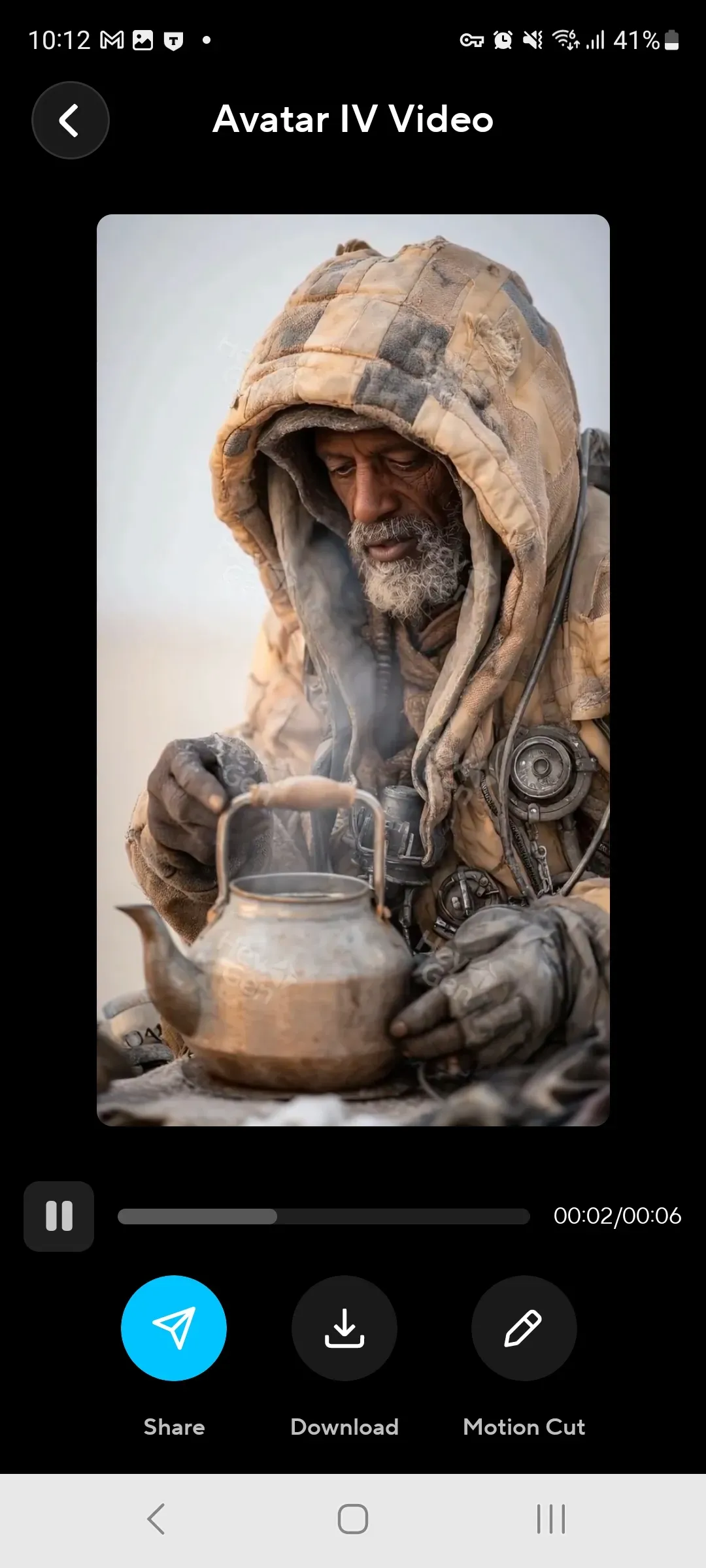
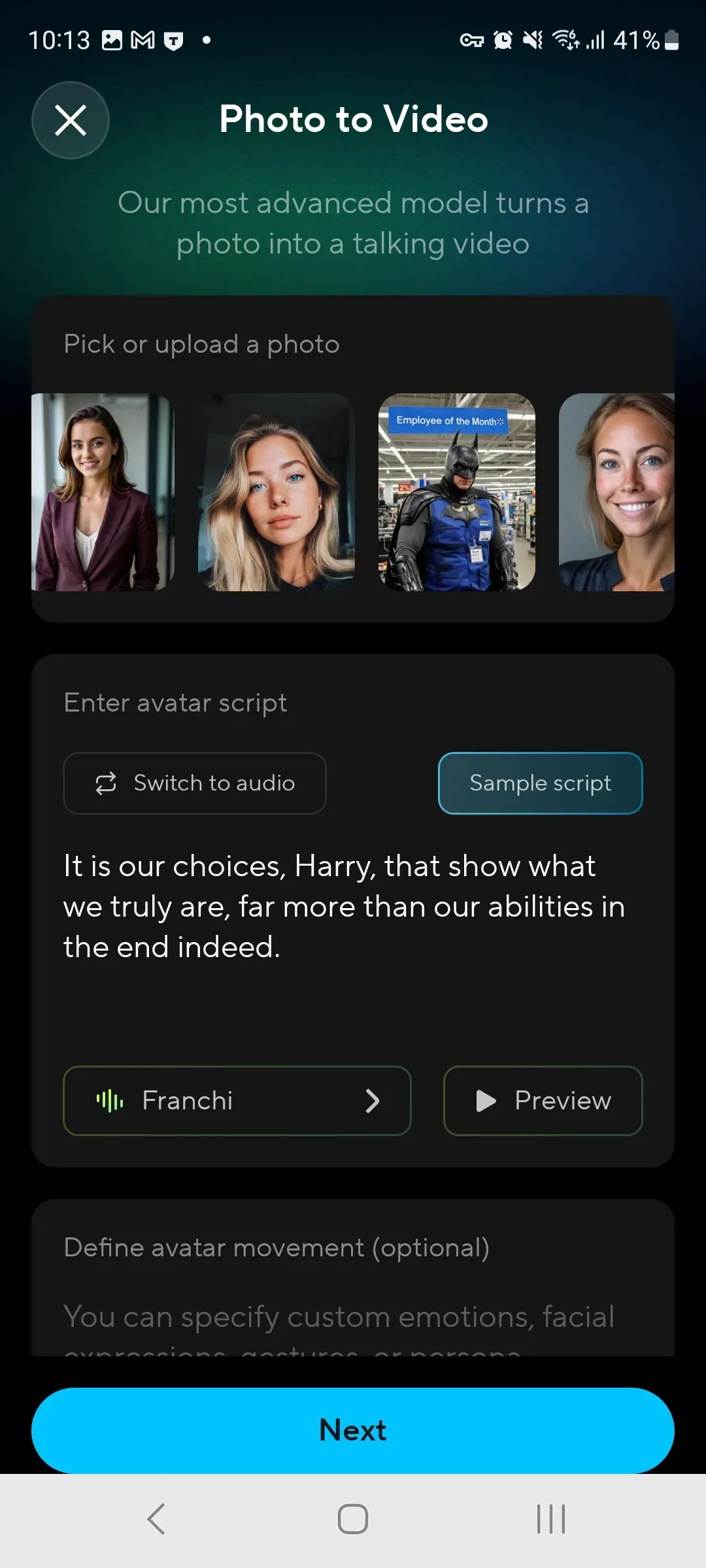
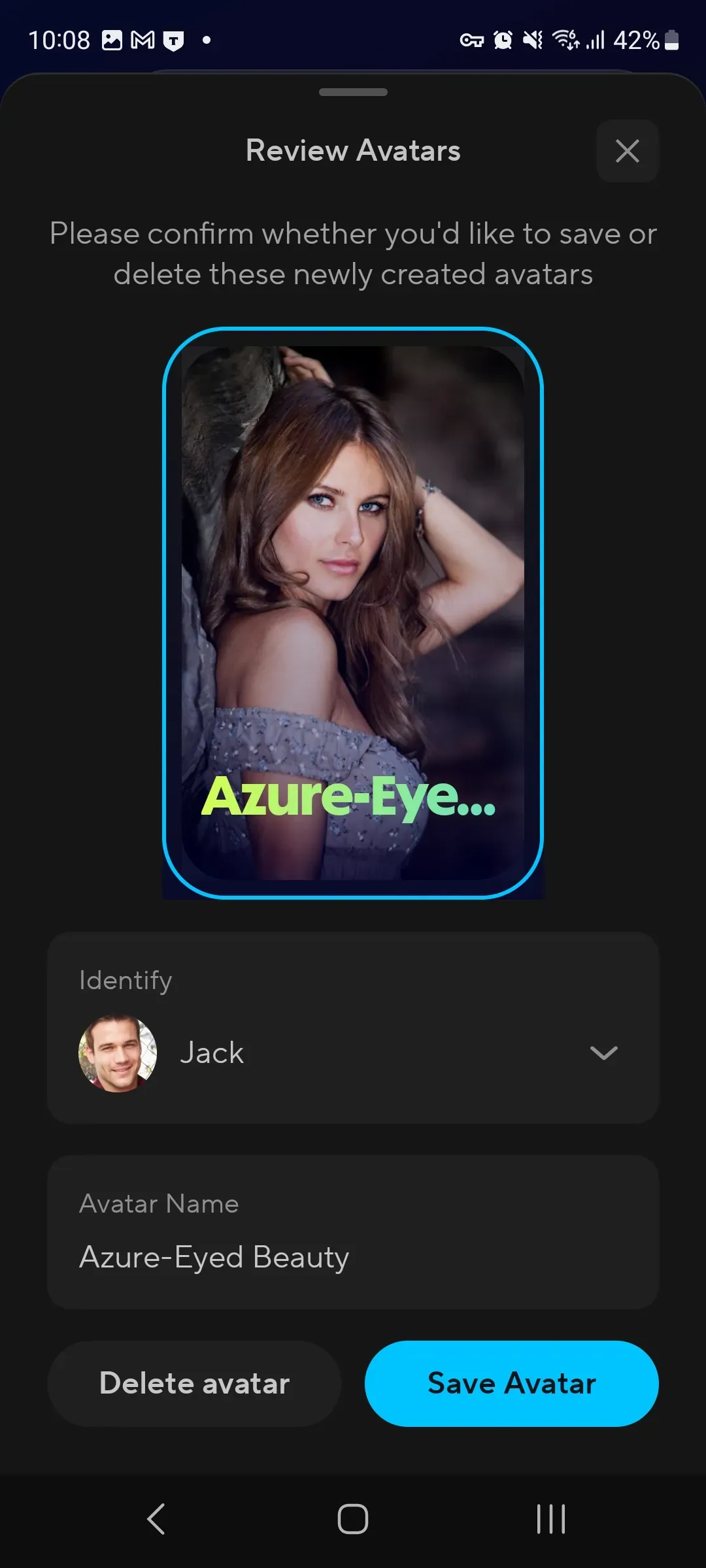
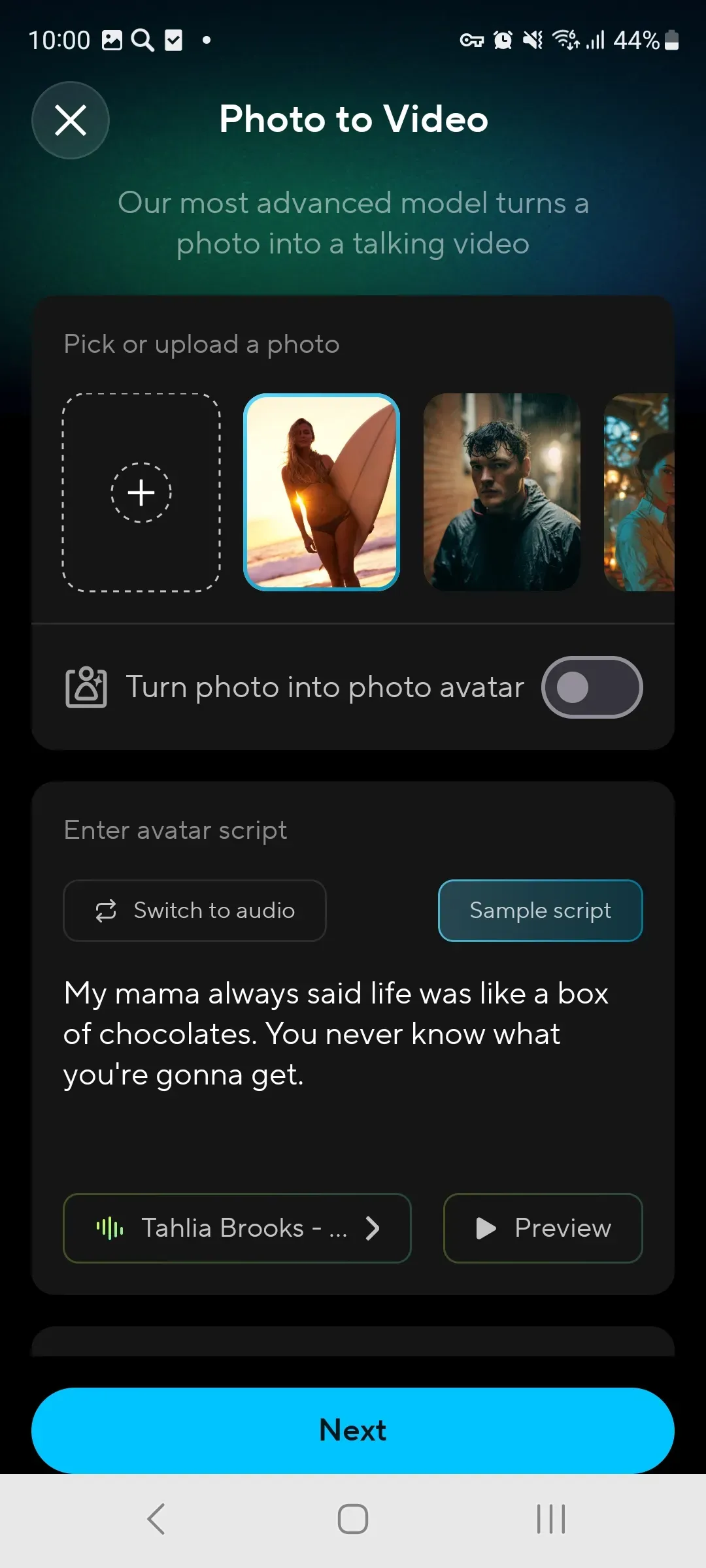
Create talking avatars from a photo or short video, choose a voice, and use the result for announcements, intros, and personal messages.
Learn More
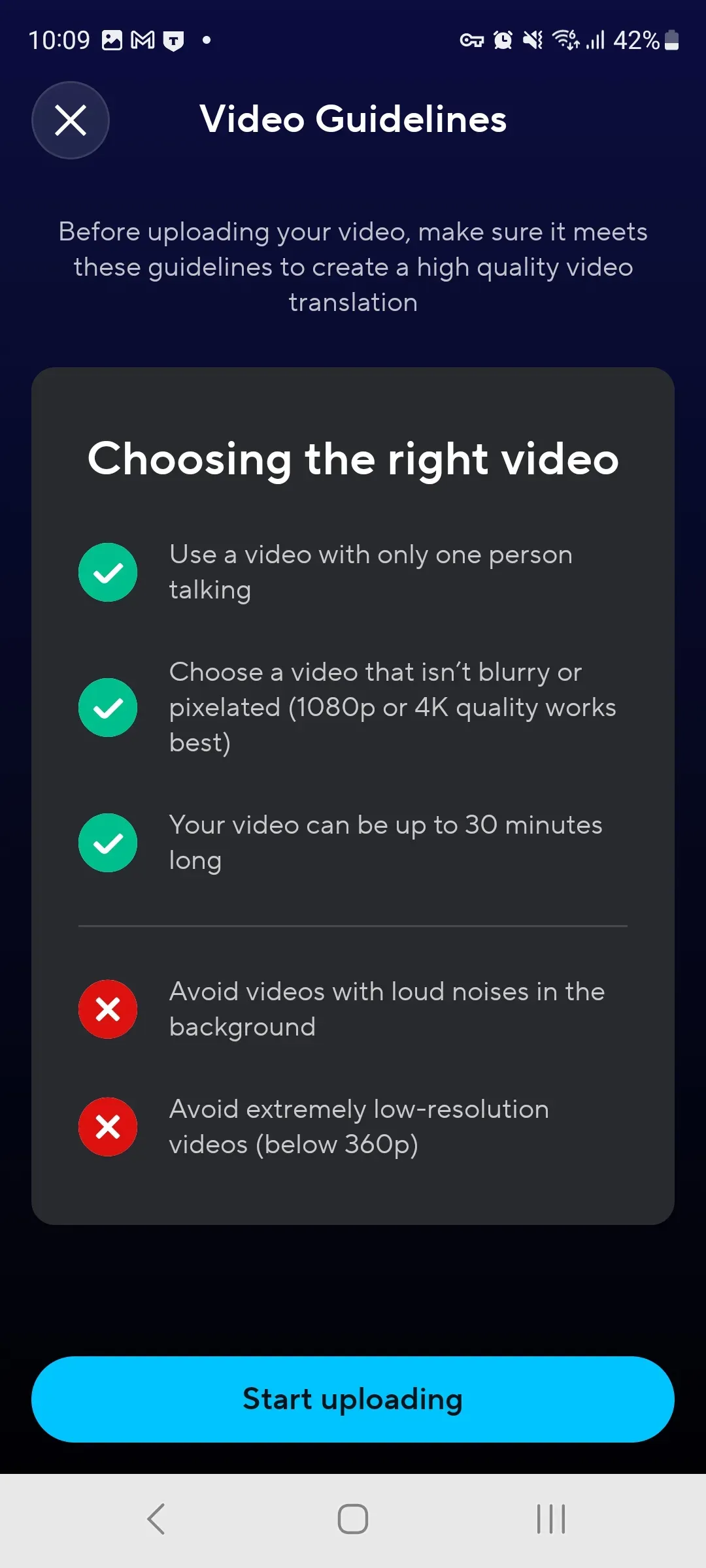
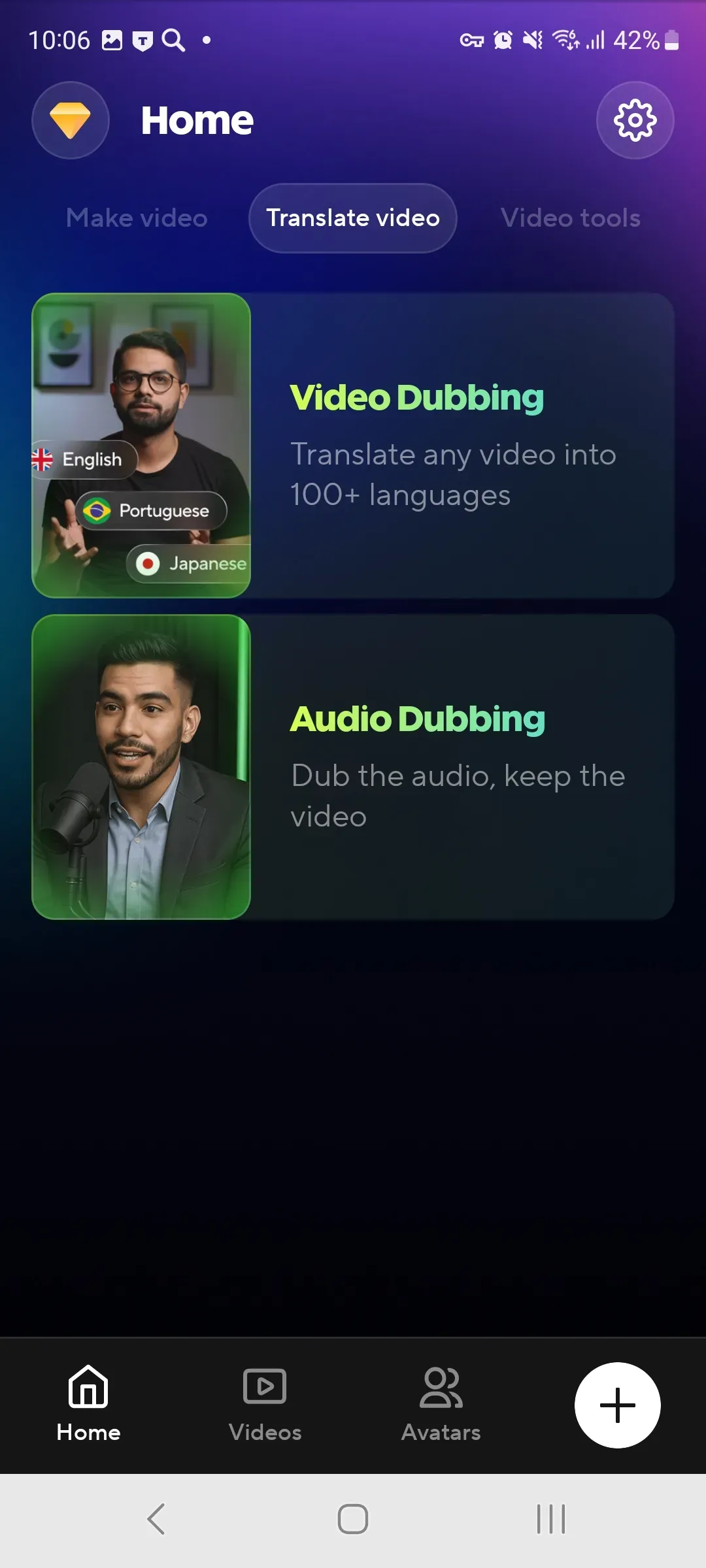
Translate videos into different languages, add subtitles, and keep speech delivery natural in multilingual projects.
Learn More
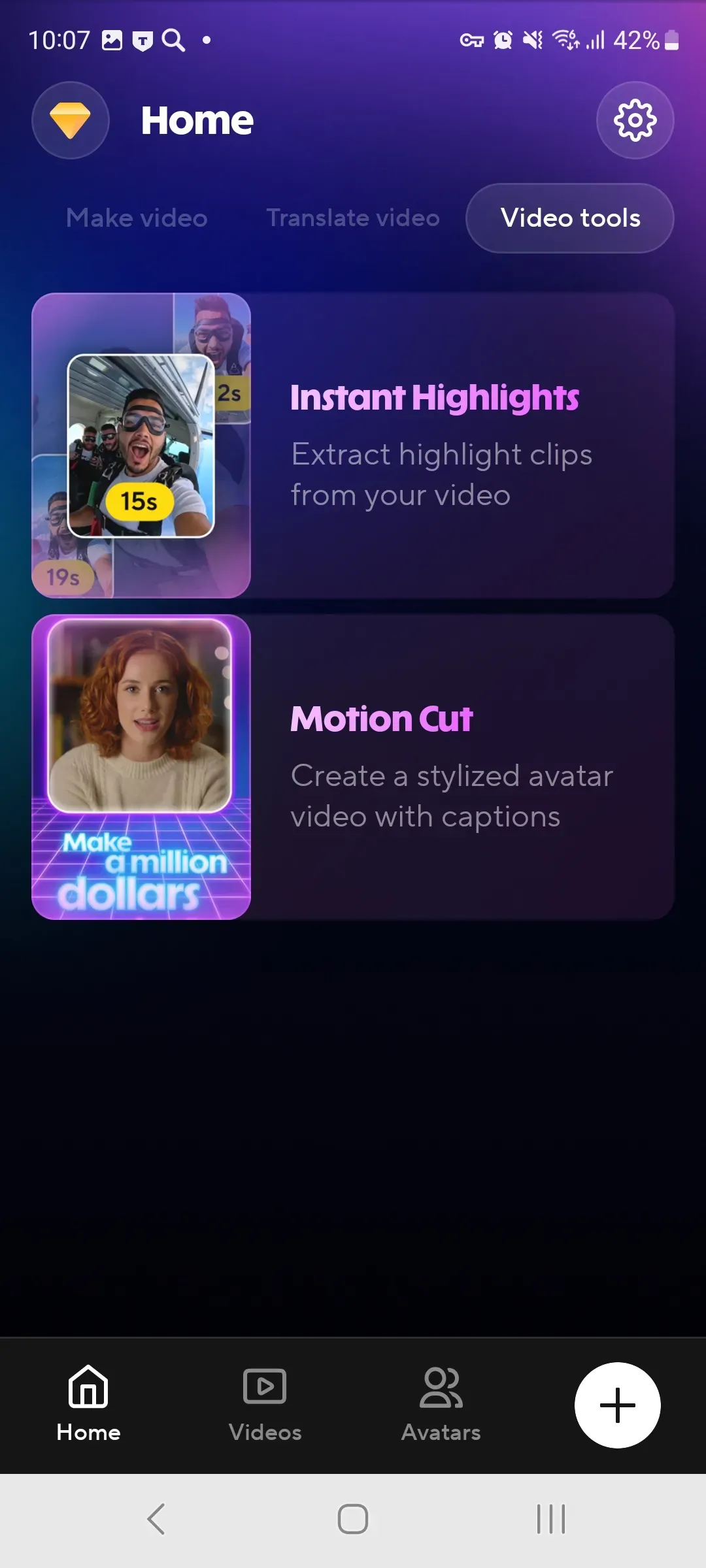
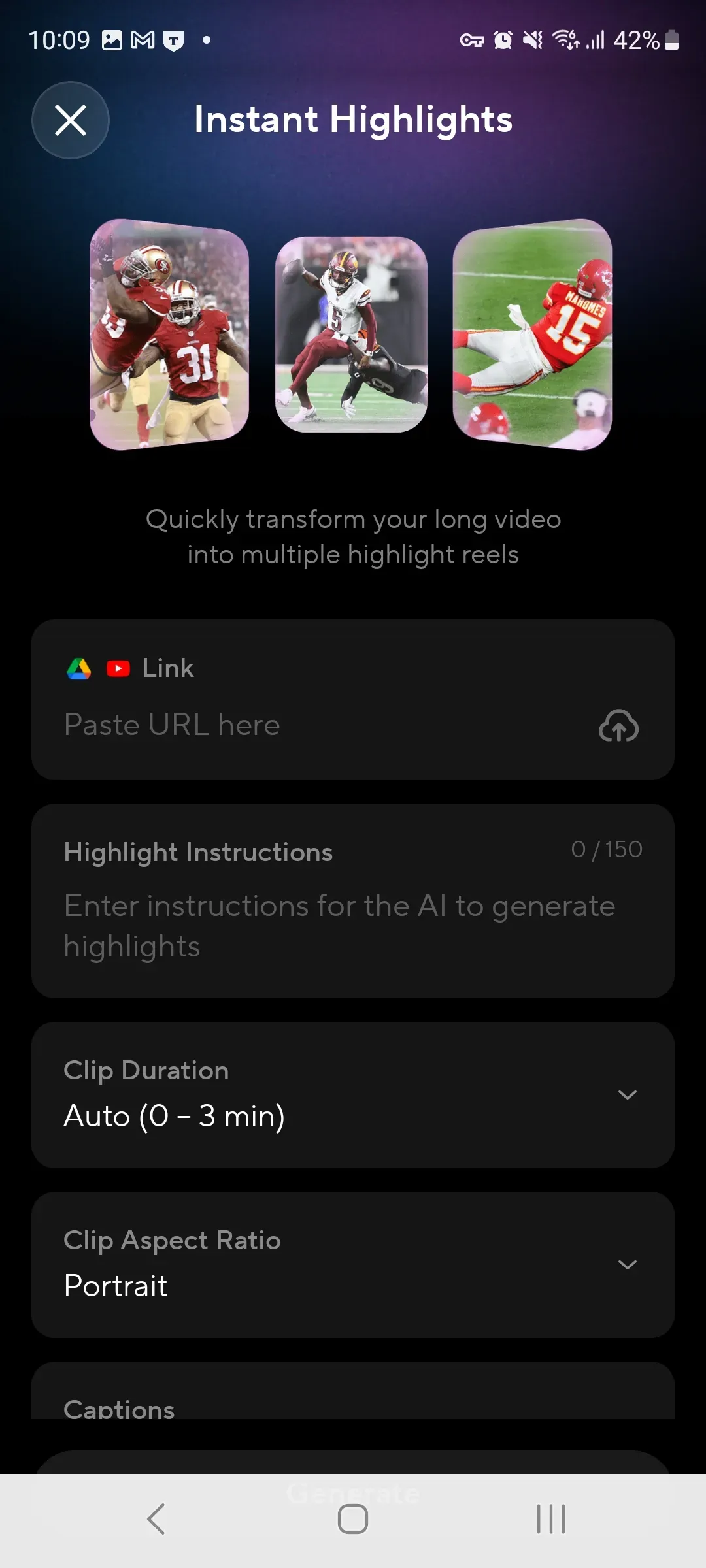
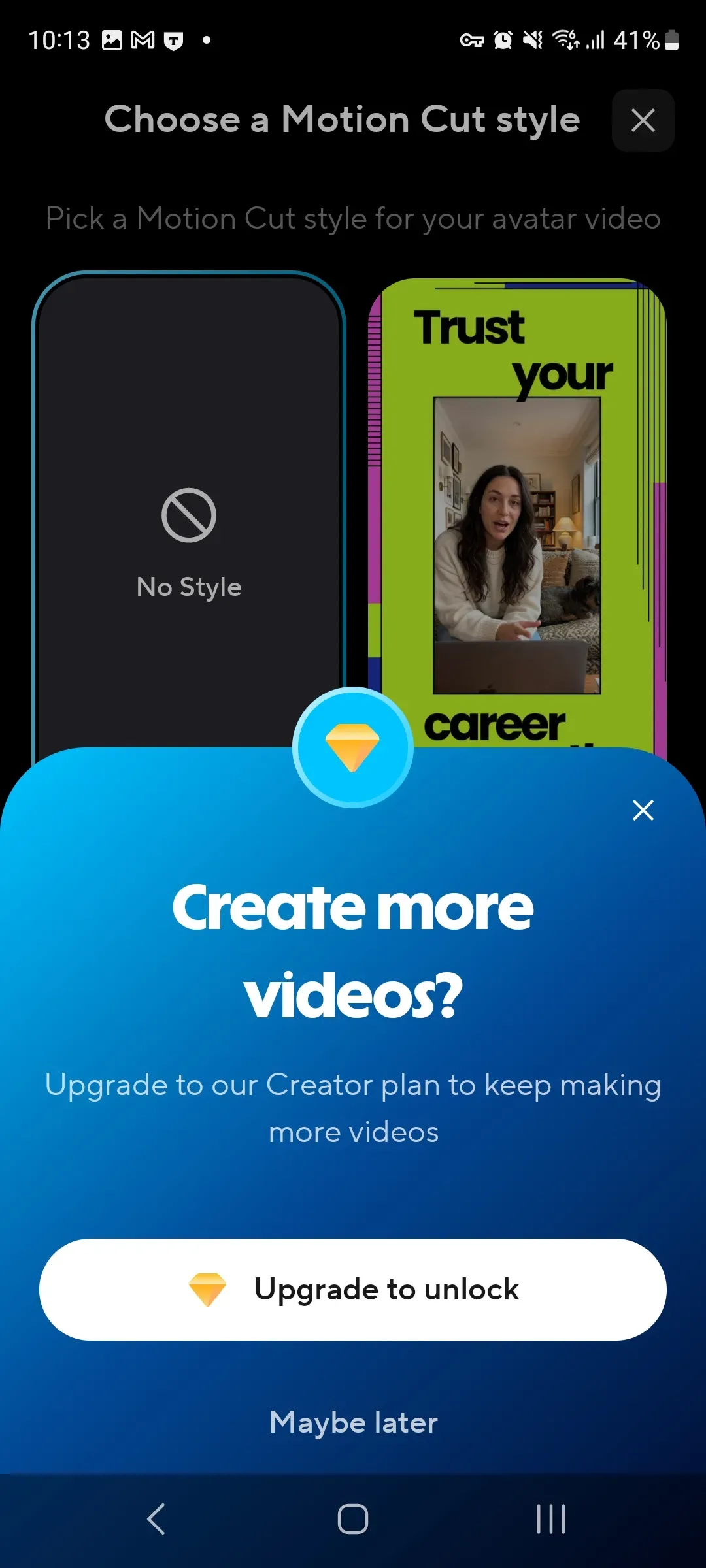
Turn long videos into sharp highlights, update the script with text, and adapt your material for different publishing formats.
Learn More

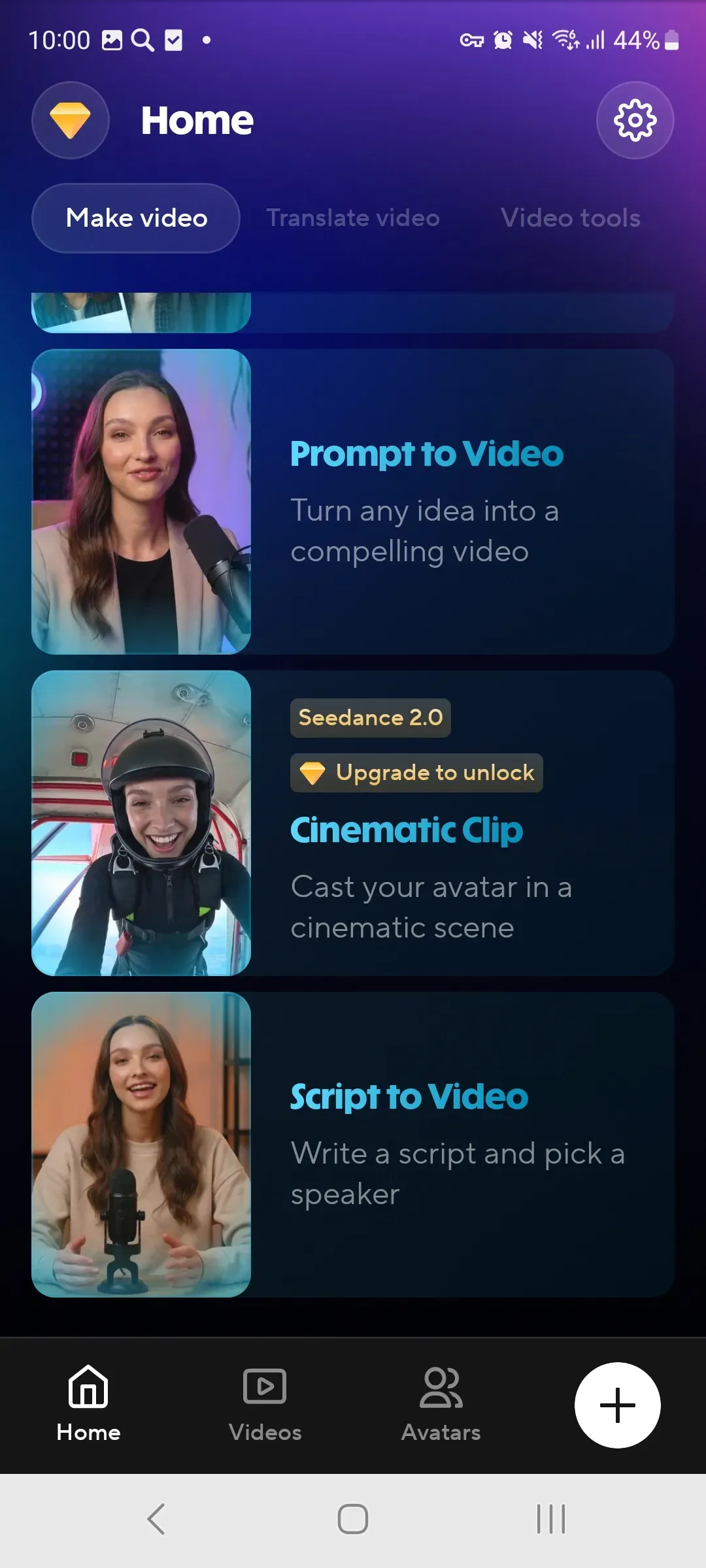
Launch the app on Android 10 or higher and choose the right workflow: text to video, avatar, translation, or a short clip.

Add a script, photo, video, document, or presentation. Use only your own materials or content you have the right to use.

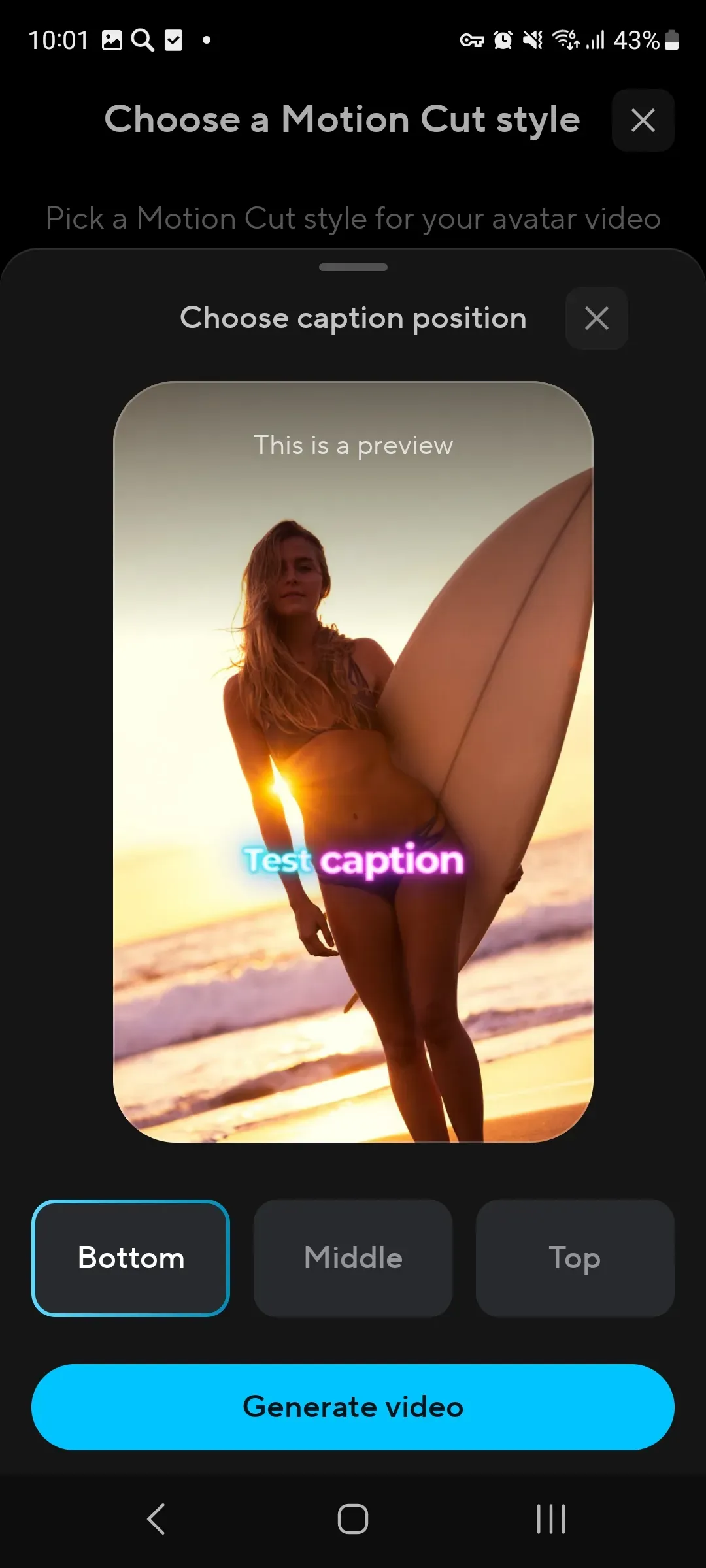
Review the subtitles, voice, shots, and pacing, then save the video for a presentation, lesson, ad, or social media post.


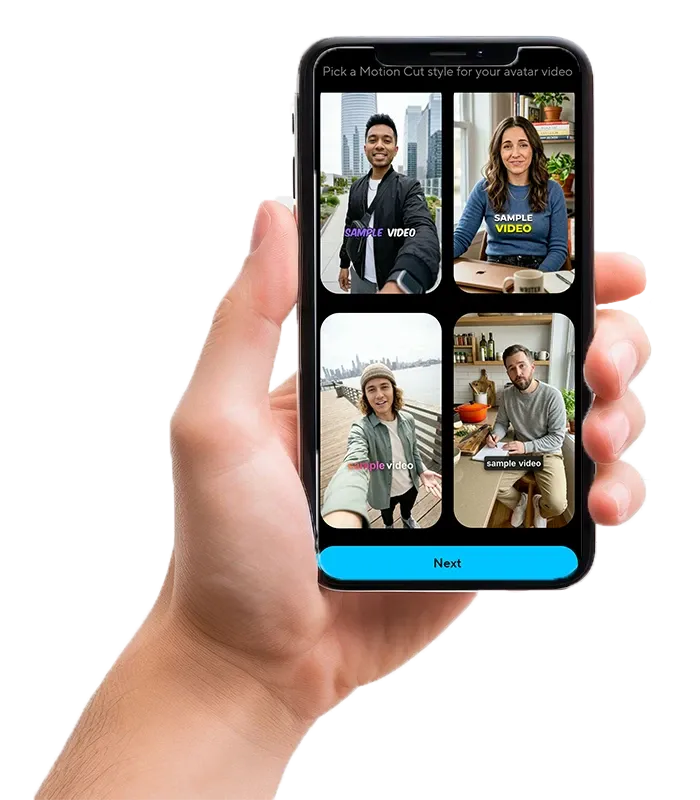
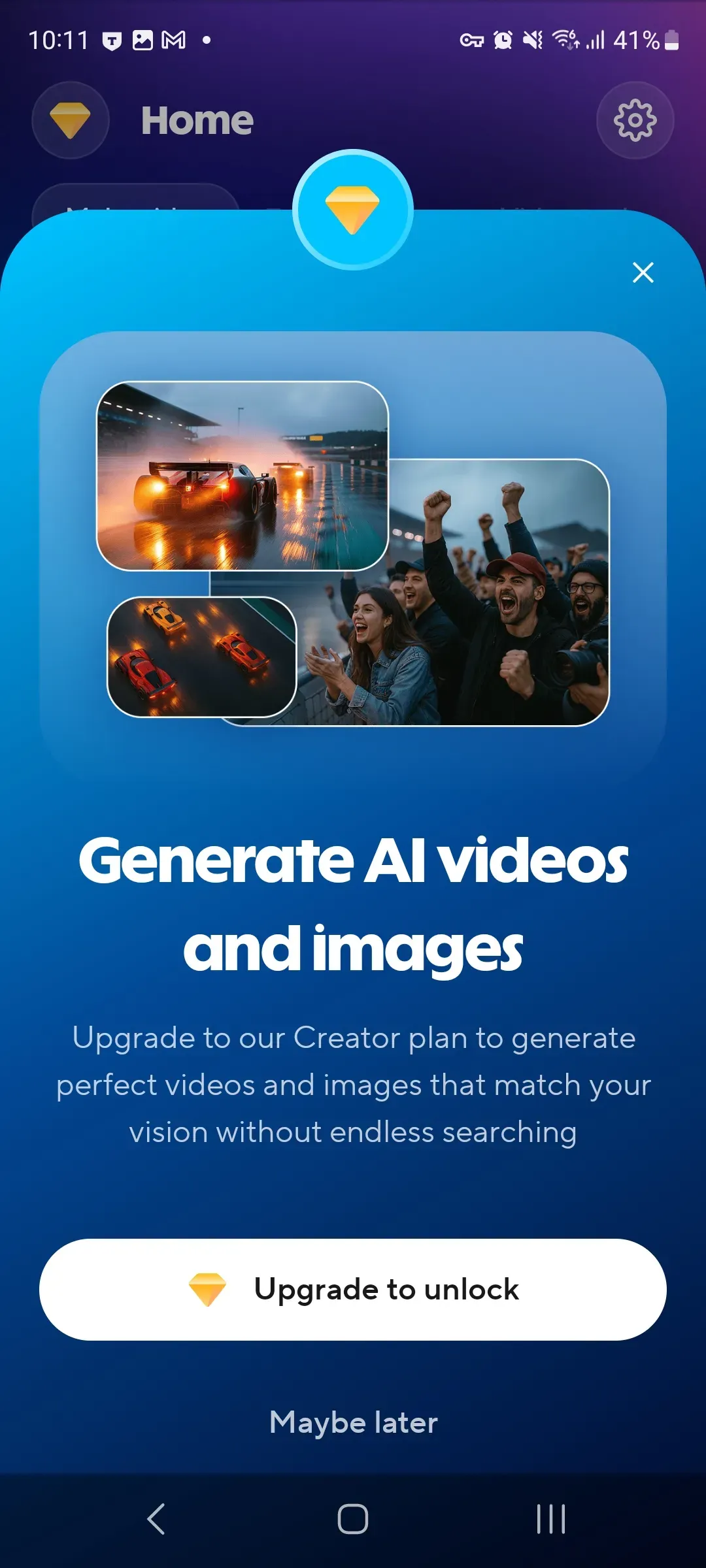
Payments are processed through Google Play. The available feature set depends on the selected plan, project format, and user needs.
Last updated: July 16, 2026.
App age rating: 3+.
Text-based projects, translation, subtitles, and short videos.
“Lumitate is convenient for short educational videos. I write the text, build the scenes, add subtitles, and quickly get a clean video without complicated editing.”

“Video translation is especially helpful. I can prepare one piece of content and adapt it for different languages without filming everything again.”

“The AI avatar helps me create announcements, instructions, and intros in a consistent style. It matters that everything can be assembled right on the phone.”

 Install for Android